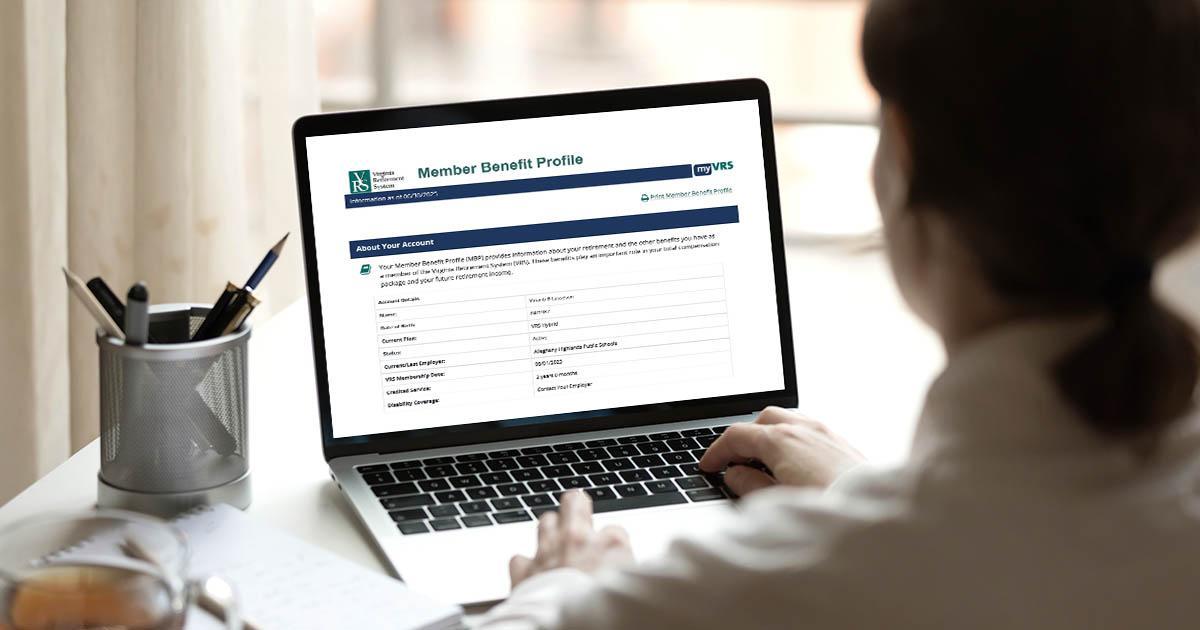


myVRS Security Tip: Use Mobile Number and Personal Email
Employees can protect their online retirement accounts by claiming them, using a personal email (not a work email), and keeping their contact information up to date. Members can review security best practices in the VRS Security Center.
Monitor 2026 Legislation Affecting VRS Benefits, Starting January 14
The 2026 Virginia General Assembly session gets underway January 14. The VRS Legislation webpage will update regularly to help you track active House and Senate bills that may affect VRS policies and benefits.
Lawmakers meet for a 60-day session, with a focus on the FY 2027-2028 biennium budget.
In-Person Counseling Available Tuesday Through Thursday
VRS now offers in-person counseling appointments Tuesday through Thursday for all active and retired members. Members can book online.
Sessions are available 8:30 a.m. to 4 p.m. at the VRS counseling center, 6641 West Broad Street, Suite G106.
Virtual counseling appointments (video or audio) are available Monday to Friday.
Submitting VRS Forms Securely
Use Proofpoint to encrypt and send forms with personal information to VRS:
- Register at employers.varetire.org/securesend with your work email and employer code.
- Sign in and email forms to vrssecuremessage@varetire.org. Attach documents (filenames under 40 characters) and include only your employer code and form number in the email body. Subject line: your organization name.
- Do not send password-protected files or include questions.
For details and FAQs, see the job aid.