

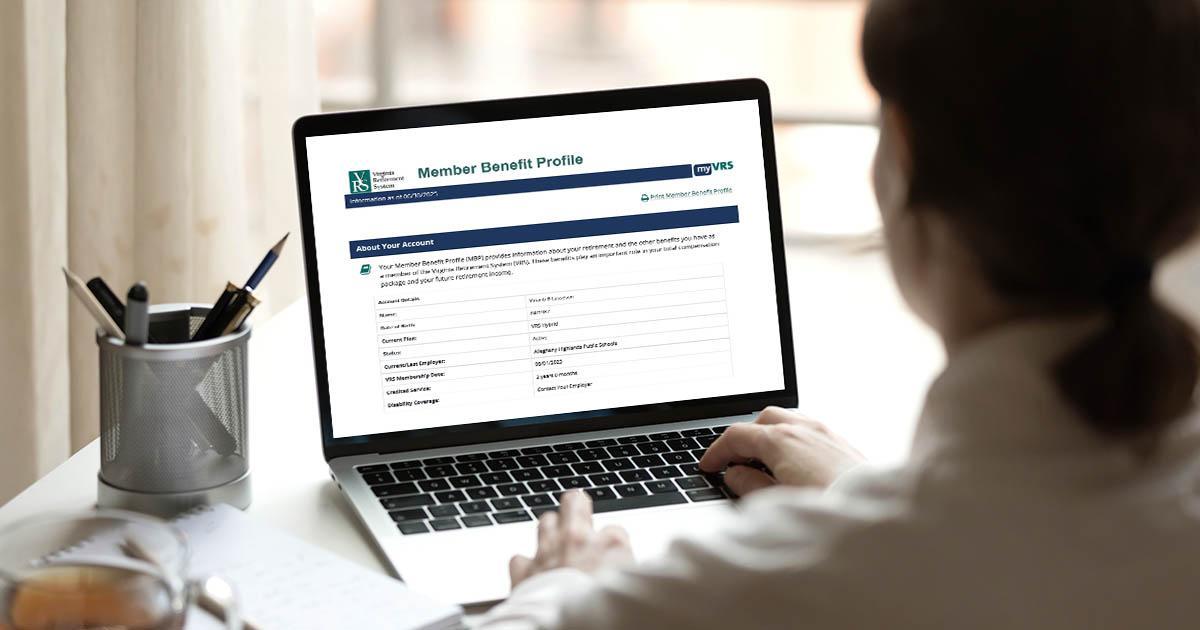
Member Benefit Profiles help employees evaluate their progress toward long-term financial goals, identify savings gaps and determine next steps. These annual statements, which are based on information employers submitted to VRS as of June 30, are available in employees’ myVRS accounts.
Employees Should Review These 3 Areas
1. Projected Retirement Income
The MBP shows how an employee’s defined benefit and defined contribution savings fit into their broader retirement picture alongside Social Security and other savings. Employees can compare their projected retirement income with 80% of their current salary, a commonly used benchmark for maintaining their standard of living in retirement.
2. Potential Savings Gaps
Employees can see whether their projected retirement income aligns with their target and identify opportunities to strengthen their outlook. If their projected income falls short of the 80% benchmark, they may want to consider increasing contributions to an eligible supplemental savings plan.
3. Retirement Planning Resources
The MBP serves as a starting point for retirement planning and connects employees with additional myVRS tools that can generate more detailed estimates and explore different retirement scenarios.
Remind employees to register their myVRS accounts. myVRS accounts that are not registered within 90 days of hire are locked for security purposes. To unlock their accounts, employees should call 888-827-3847.
More Resources
The Member Benefit Profile webpage includes tips on how to look up and print MBPs for your employees who lack access to a computer. You’ll also find sample messaging to encourage employees to use the MBP as they fine-tune their retirement strategy.
Questions?
Contact VRS Employer Support or call 888-827-3847.